


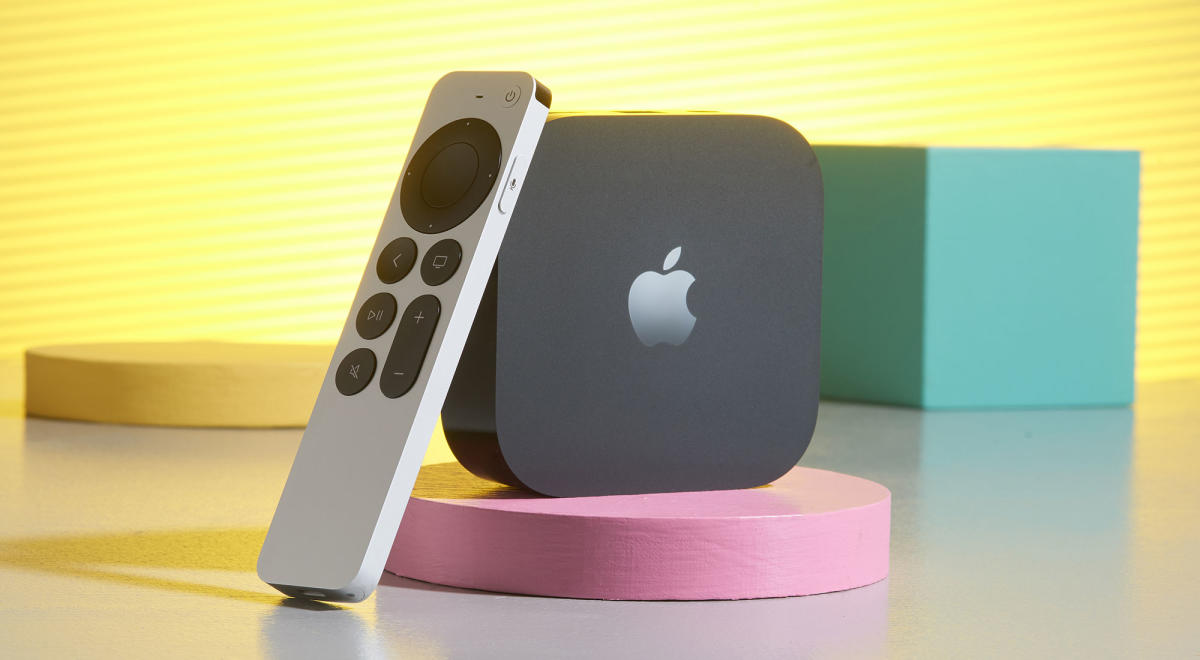
Apple TV is one of the best streaming devices available today that lets you add Netflix, Disney+, Max, and other streaming apps to your boring old TV. It costs more than its competitors, but it offers a more polished experience (screensavers are worth the price of admission) and better privacy protections. But you may not know that you can access even more content using your Apple TV with a VPN. If you download one of several VPN apps directly to your Apple TV, you can spoof your IP address and trick the system into thinking you’re in another country. Most streaming services also license different shows in different regions, so switching your VPN to an international location will give you access to a wider range of content. Here’s how to use a VPN with Apple TV and why you should install one.
How to use a VPN with Apple TV
As of the September 2023 release of the tvOS 17 software update, the Apple TV platform supports third-party VPN apps. Setup is easy. Follow these steps (these steps may vary slightly depending on your VPN):
In the Apple TV App Store, search for the VPN you want to download, or search for the keyword “VPN” to see your options.
Download and install the VPN of your choice.
Sign up or log in.
We have a comprehensive guide on how to use a VPN to stream video to your TV, walk you through Apple TV installation, and provide alternative ways to connect a VPN to your Apple TV.
Why you should use a VPN with Apple TV
As mentioned earlier, using a VPN on your Apple TV allows you to change your IP address and make it appear like you’re browsing from a different country. This happens when the VPN encrypts your connection and passes it through the VPN’s digital or physical servers located in other countries. So if you’re in the US and tunnel to a VPN server in the UK, you’ll be able to access the UK’s Netflix content library and watch shows on UK-only services like BBC iPlayer.
A VPN is also an essential security tool, but its features are best applied when used on your smartphone or PC, where you do most of your internet browsing. If you purchased a VPN subscription with Apple TV in mind, you may also want to use it on your smartphone or laptop. A VPN helps you stay anonymous online and protect your data from malicious parties and ad networks. If you value digital privacy and anonymity, we recommend using a VPN on every device with an internet connection.
Choosing the right VPN
Apple TV only works with a limited number of VPNs. While that seems like a hurdle, Apple vets the VPNs it allows in the App Store, and you can rest easy knowing they’re a reliable option. All of the top picks on our best VPN list can be found in the Apple TV app store.
We encourage you to do your own research when choosing a service. Each VPN has the same basic functionality, but differs in price and additional features. Take the time to see what each has to offer and see what other users have to say before deciding which one is right for your needs and the devices you own.
VPN options for other streaming platforms
If you don’t have an Apple TV, good news: Robust VPN options (or alternatives) exist for other major streaming platforms as well.
