


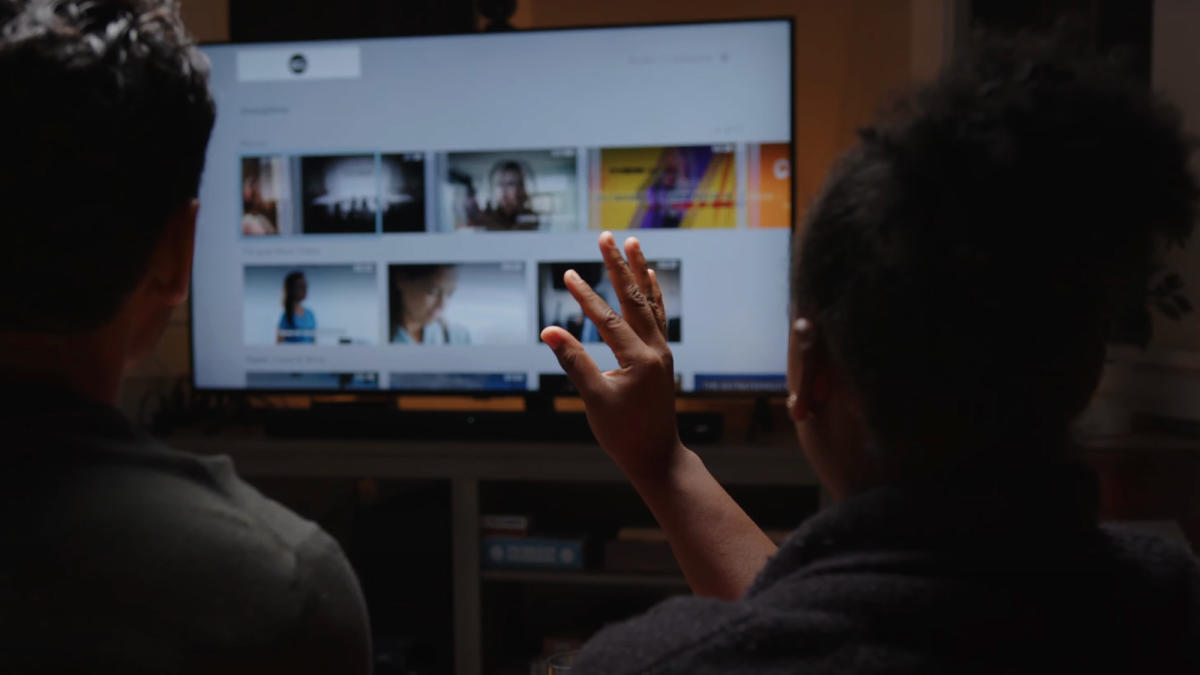
Some of the best technology you’ll see at CES feels like it was pulled straight out of science fiction. Yesterday at CES 2025, I tested Neural Lab’s AirTouch technology. This allows you to interact with the display using only hand gestures. This is exactly what movies like Minority Report and Iron Man promised. Of course, many companies offer various forms of gesture control. Microsoft’s Kinect is an early example, but the Apple Watch’s double-tap feature and the Vision Pro’s pinch gesture are just two of the many current iterations. However, I was impressed by AirTouch’s great features. And unlike most gesture technologies out there, it doesn’t require any special equipment, just a standard webcam and works on a wide range of devices.
Neural Lab’s software is compatible with tablets, computers, and any device running at least Android 11, Windows 10 or later, or Linux. The technology was developed with accessibility in mind after one of its founders struggled to stay in touch with his parents overseas because navigating video conferencing programs was too difficult for older generations. . A Neural Labs representative I spoke to added that parents preferred using the iPad over a computer/mouse/keyboard combination because the touch controls were much more intuitive. . AirTouch lets you use your TV just like you would a tablet.
In addition to accessibility, it also has a number of commercial applications, such as allowing surgeons to manipulate MRI scans without touching anything, or more common scenarios like moving slides in a presentation.
AirTouch tracks 3D hand movements and keys from your gaze to recognize intent and help you ignore irrelevant gestures. It currently supports 9 gestures and customization allows users to program up to 15 gestures.
I tried two demos: a 3D screen that displayed an animated image of a tree frog, and a monitor that displayed a web page in a browser. On the 3D screen, hold up one finger to drop a pine cone on the frog’s head, hold up two fingers to drop an acorn, hold up your thumbs to spin the frog on its tree perch, and make a silent coyote gesture. I put the frog back together. It took me 15 seconds to remember and use the four gestures. Soon I was raining acorns on the poor frog like a bad-tempered squirrel.
Controlling the screen that displayed the web browser was almost as easy (though not as fun). Moving your hand dragged the cursor on the screen, and you used a pinch operation instead of a click. Within seconds of learning the hand movements, I was able to scroll through a streaming site, select something to play, pause, and start playing again. There were a few times when it didn’t work as I expected, but after trying it a few times, I started to get the hang of the controls.
AirTouch is currently available as a $30/month subscription for individuals ($300/month for businesses). Neural Labs says it takes just five minutes to install the software on a compatible device.
