


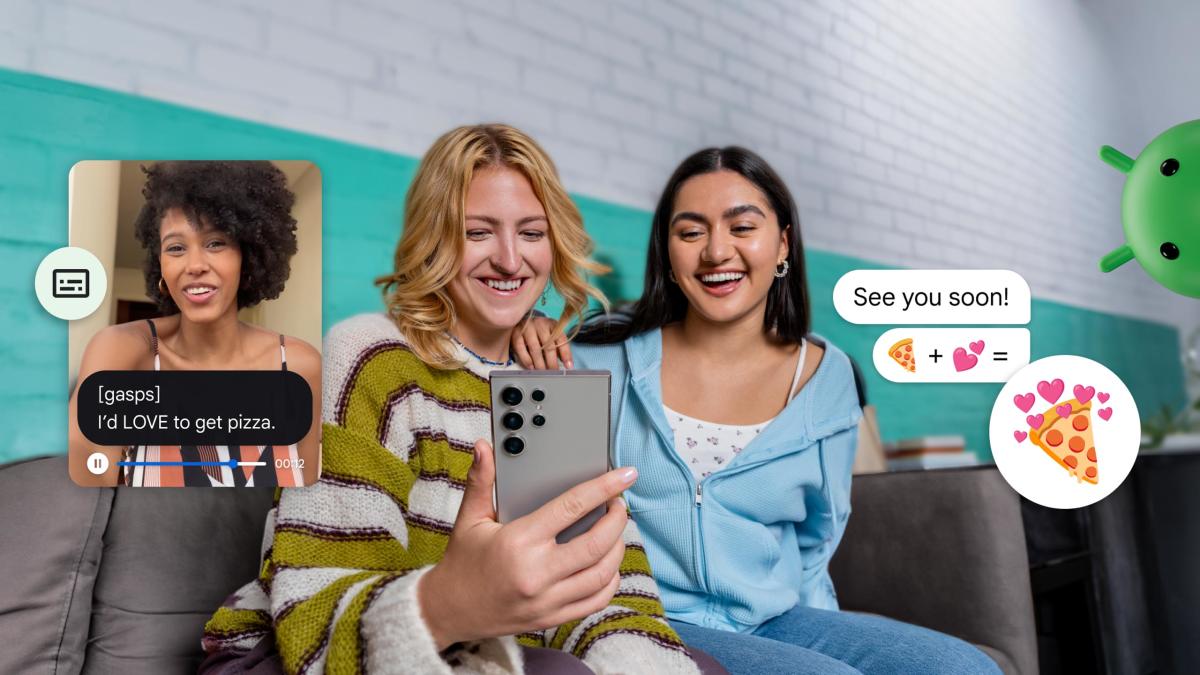
If you are an Android user, today is your lucky day. Google announced a series of new AI capabilities across its ecosystem. Broadly speaking, these features make Android devices more accessible, but there’s something for everyone.
For example, one of the new enhancements, Expressive Captions, automatically generates subtitles that try to capture the emotion and intensity of what’s being said. For example, let’s say you’re video chatting with a friend who groans after making a lame dad joke. This feature not only transcribes what they say, but also includes “(groans)” in the transcription. It also works with other subtle parts of human speech, like when someone takes a breath or whispers something, and is compatible across Android, including streaming and social media apps. According to Google, expressive captions are available on Pixel phones starting with Pixel 6, and “other compatible” Android devices.
Separately, Google has enhanced Android’s image Q&A in its Lookout feature. The latest version of this tool takes advantage of the company’s Gemini 1.5 Pro model to provide more helpful image descriptions. Although Image Q&A is primarily designed to help users with visual impairments, anyone can actually use this feature to have Android describe images in natural audio.
Speaking of Gemini, Google is powering its AI agent with new extensions that improve integration with some of the most popular Android apps. For example, the new Spotify plugin lets Gemini play your favorite songs and find playlists that match your current mood. In the future, the company promises deeper integration with Google Maps and smart home devices linked to your Google account.
Additionally, Gemini now has the ability to remember information about you so that you can provide more personalized responses. For example, if you tell Gemini that you’re a vegetarian, the agent will remember that the next time you ask it to recommend a new dinner recipe. Google notes that it’s now easier to view, edit, and delete personal information that users tell Gemini to remember.
Another more practical update comes in the form of a Google Drive feature called Auto-Extend. The next time you upload a scanned document to the service, the image will be automatically edited to optimize contrast, adjust white balance, and remove shadows and blur.
And if you want to share a file with someone, Google has made it easier by improving Android’s quick share feature. There’s a new feature that lets you transfer photos, videos, and documents by displaying a QR code on your phone. With this tool, you don’t have to add recipients as contacts or fiddle with quick share settings.
Finally, if you are a Pixel user, you can look forward to all the features mentioned above and more. Most notable are improvements to the Pixel Screenshots app. First, you can now save your Circle to Search finds directly in the software. Google suggests this feature is useful for holiday gift ideas. Pixel Screenshots now automatically categorizes your snaps and provides suggestions like calendar invites and directions based on the information you save.
As with most Android updates, all the new features Google announced today may take some time to roll out to all users, so be patient if you don’t see them on your device right away.
