


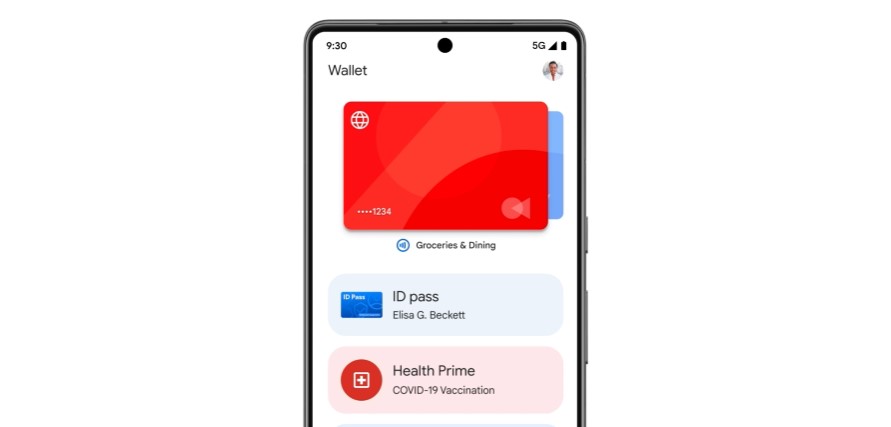
Now you have one less thing to look for in your pocket or purse at the airport. Starting today, you can carry a digital copy of your U.S. passport in Google Wallet and use it at Transportation Security Administration (TSA) checkpoints.
If you want to add Passport to Google’s virtual wallet, you’ll first need to download the Google Wallet app and log in to or create an account. Look for the prompt “Create an ID pass with your U.S. passport” and follow the instructions. The app will ask you to take a video selfie and scan your passport’s security chip to verify your identity. It only takes a few minutes for Google to verify your identity.
Digital passports cannot be used at all airports. Currently, 27 states (and Puerto Rico) have at least one airport that accepts digital forms of identification. You can see which states and airports accept digital IDs on the TSA website.
Google has been testing the use and storage of digital passports in Google Wallet for some time. Several states have begun accepting digital IDs in recent months. New Mexico is the latest state to accept digital IDs such as driver’s licenses and state IDs on Apple Wallet and Google Wallet.
