


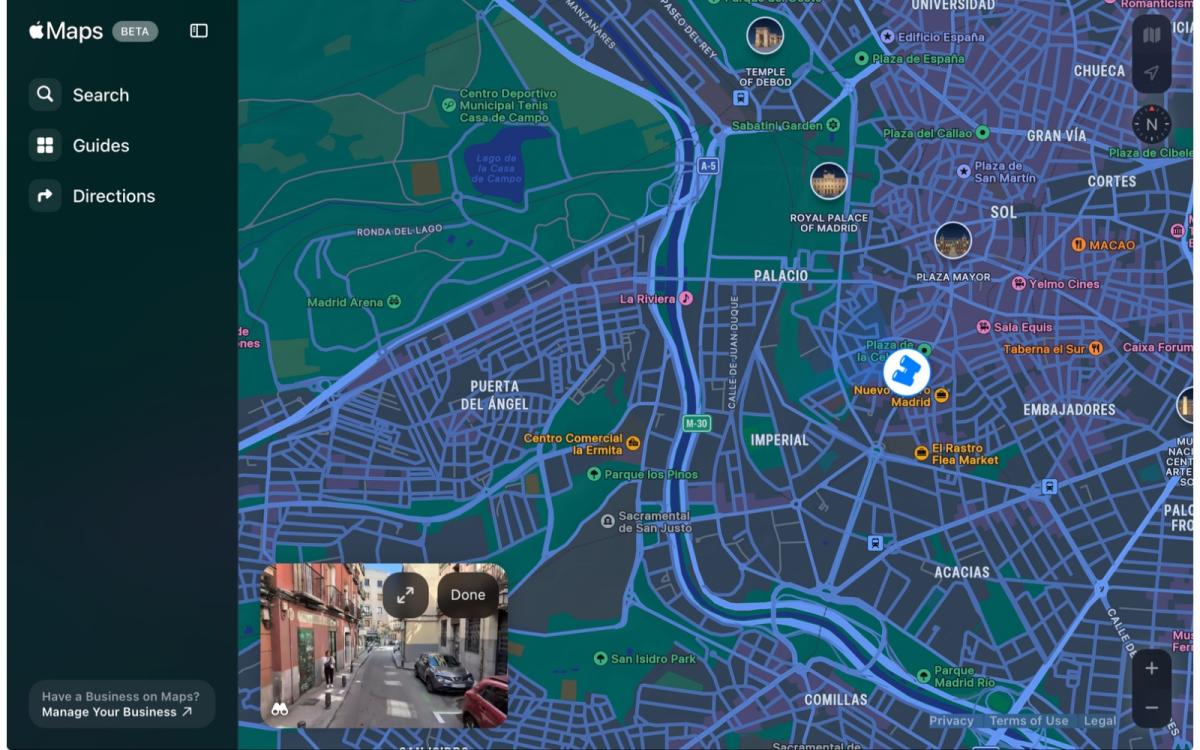
Apple’s answer to Google Street View is now accessible on the web. As 9to5Mac reports, Apple has enabled Look Around in the beta version of Apple Maps on the web, allowing you to literally look around and explore available cities. The company has a complete list of “Look Around” locations on its website, including some cities in the United States, Japan, and several countries in the European Union. To start exploring locations on your desktop, simply click the binoculars icon in the bottom left corner of the map. Similar to Street View, you can virtually cross the road and drag the screen to see more of the location in the feature’s 360-degree images.
Apple released a beta version of Maps for the web in July with a number of limitations. Access was restricted to specific devices and browsers. Already available to look up directions and guides, Look Around never rolled out, although Apple promised to add more features in the coming months. Look Around’s coverage is currently fairly limited, but MacRumors previously reported that it found clues in Apple Maps that suggest the company is working on expanding its coverage. Apple appears to be adding smaller cities and rural areas to the Look Around network, as well as plans to add more countries such as Egypt, China, and Mexico.
If you buy something through links in this article, we may earn a commission.
